Tips to Stop Computer Freezes and Game Lags
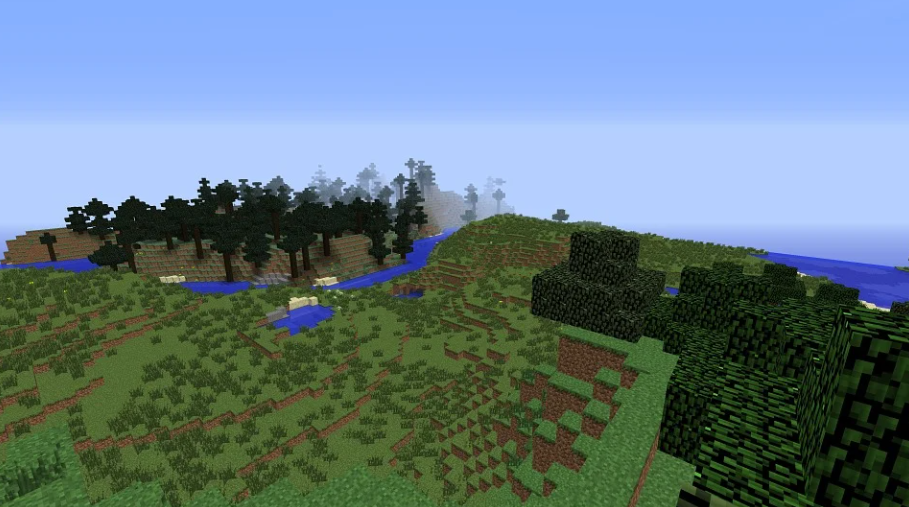
A game enthusiast who loves playing Minecraft or Blockheads on Windows may have experienced game lag or computer freezes. Many of them may have spent hours adjusting the game’s graphics settings to improve frame rate and performance. In most cases, these efforts result in minimal game improvement.
Even if your system meets the recommended hardware specifications, the game may still cause your computer to crash during intense action. Thus, optimizing your system and upgrading your hardware may not be the best solution for game lag or computer crashes. In this case, you can take several tips to allow you to save more resources for your gaming experience. This way, you can optimize your computer for smoother online and offline computer games.
Get More Bang Out of Your Bandwidth
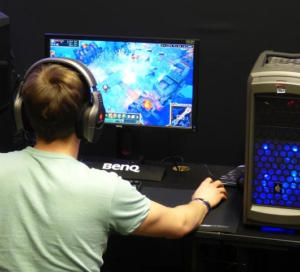 Windows has hundreds of services running. Their programs don’t care about your online gaming. Thus, they use as much bandwidth and system resources as your online game. Besides, many programs start automatically …